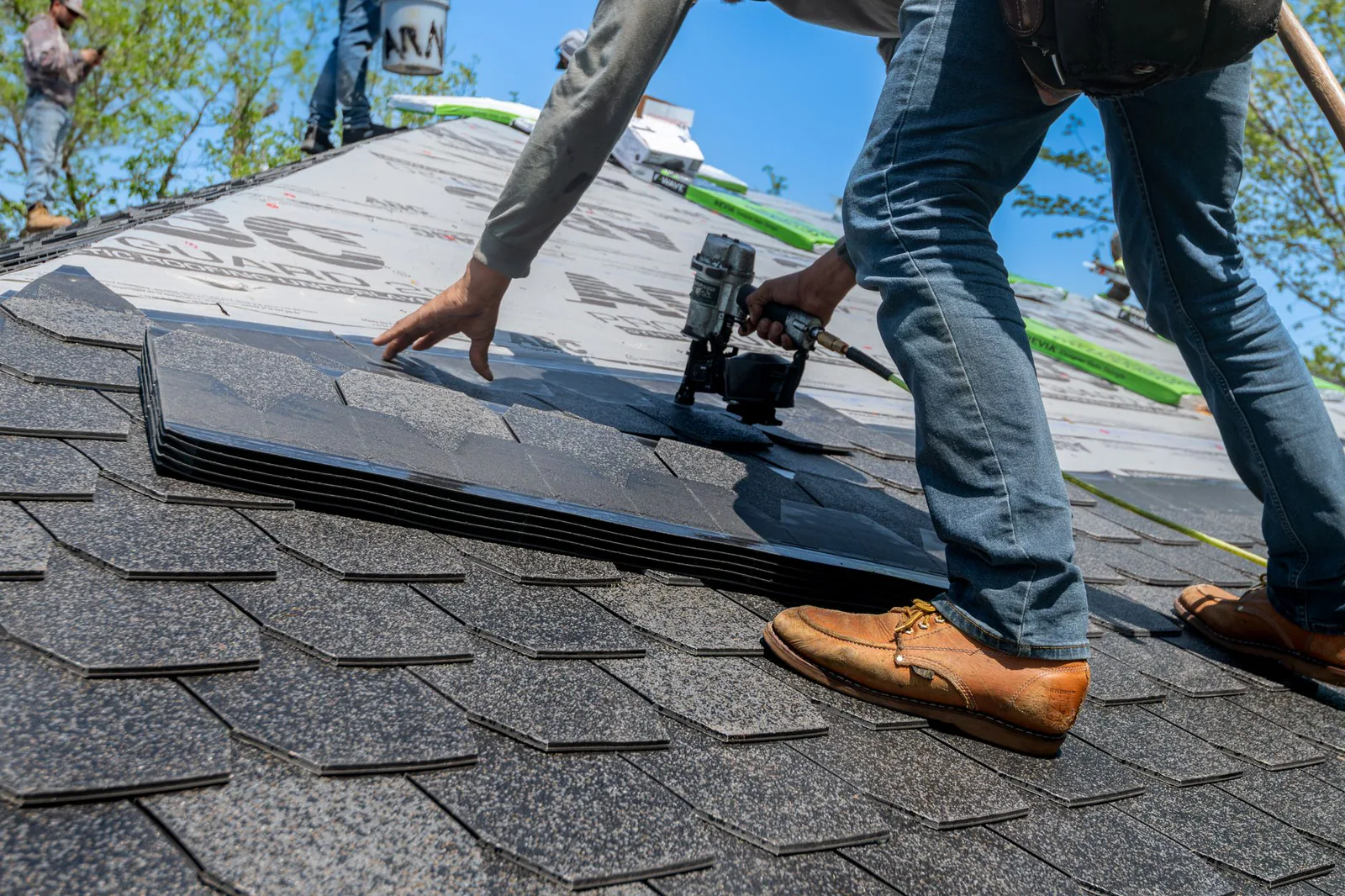
A PRIVATE PAGE FOR CONTRACTORS — ROOFERS, BUILDERS, REMODELERS, POOL PROS, PAINTERS & TRADES
MORE CALLS.Better jobs. Less chasing.
You run the crew — we run the digital side. Websites, local SEO, and ad campaigns built specifically for contractors who want the phone to ring with real, qualified jobs.
NO RETAINER JARGON. NO 12-MONTH LOCK-IN. JUST WORK THAT PULLS ITS WEIGHT.
BUILT FOR THE TRADES
ROOFING • GENERAL CONTRACTING • REMODELING • ELECTRICAL • PLUMBING • HVAC • POOL SERVICE • LANDSCAPING • PAINTING • ROOFING • GENERAL CONTRACTING • REMODELING • ELECTRICAL • PLUMBING • HVAC • POOL SERVICE • LANDSCAPING • PAINTING •
50+Contractor Sites Built
20+Trades Served
100%Custom Builds
3×Avg. More Leads
YOUR WORK SPEAKS FOR ITSELF. YOUR WEBSITE SHOULD TOO.
Most contractor sites are digital business cards — pretty, invisible, and useless. Ours are built to do one thing: turn homeowners searching for your trade into booked estimates.
Referrals are great. But they shouldn’t be the only pipeline you have.
TRADE- TESTED
EVERYTHING YOU NEED TO WIN JOBS ONLINE. NOTHING YOU DON’T.
01
CONTRACTOR WEBSITES
A fast, credible site built to convert — services, service areas, trust signals, and a quote request on every screen.
“Webcraft rebuilt our site in 2 weeks. The phone hasn’t stopped.”
— MIKE T., SUMMIT ROOFING
PROOF, NOT PROMISES
WE BUILT SUMMIT ROOFING A LEAD MACHINE.
Summit Roofing came to us with a dated site and a phone that only rang when it rang. We rebuilt their presence around one job: getting local homeowners to request an estimate.
WE BUILT DIONE CONTRACTING A SITE THAT SELLS THE CRAFT.
Dione Contracting needed a web presence as solid as their build quality. We designed a site that puts their craftsmanship front and center and turns visitors into estimate requests.
Tell us your trade, your service area, and what a good job looks like. 20 minutes, no pressure.
02
WE BUILD
Site, SEO, and campaigns built for your trade. You keep hammering — we keep you posted.
03
YOU GET LEADS
Estimate requests land in your inbox and phone. We measure, refine, and compound.
READY TO KEEP THE CREW BUSY?
Tell us about your business and we’ll come back within one business day with a straight answer and a clear price.
VIBE OTTER MASTER PROMPT: PAINTING CONTRACTOR BUSINESS SYSTEMS INTAKE
PROJECT OBJECTIVE
Build a fully functional, client-facing intake form for Webcraft Studio designed specifically for painting contractors, painting companies, and painting businesses looking to improve their operations, automate repetitive tasks, organize their business, and scale.
This must be a reusable intake experience that Webcraft Studio can send to multiple painting businesses, regardless of their size, location, specialization, or stage of growth.
Do not build a form for one specific client. Build an industry-specific intake system that can be reused for:
* Residential painting contractors
* Commercial painting contractors
* Interior and exterior painting companies
* New construction and property development painting contractors
* Cabinet refinishing and specialty coating businesses
* Solo painters and independent contractors
* Painting companies with employees, subcontractors, and multiple crews
* Established painting companies looking to scale their operations
The form should identify the client's current challenges, business goals, operational workflows, software needs, automation opportunities, marketing requirements, budget, and preferred next steps.
The end goal is to give Webcraft Studio enough information to recommend and quote the right solution without making assumptions or selling unnecessary services.
1. BRAND AND DESIGN
Brand: Webcraft Studio
Create a sophisticated, minimal, modern agency experience. It should look like a professionally designed digital product, not an AI-generated form template.
Design direction:
* Clean typography and strong visual hierarchy.
* Refined spacing and restrained use of color.
* Consistent with Webcraft Studio's existing brand identity.
* Mobile-first and responsive across all screen sizes.
* Clear section progression and a subtle progress indicator.
* Elegant form fields, multi-select options, dropdowns, and conditional questions.
* Short, human copy that feels helpful rather than corporate.
* No unnecessary stock photos, excessive gradients, glassmorphism, generic illustrations, or flashy animations.
* Avoid the typical generic SaaS landing page aesthetic.
The form should take approximately 5 to 7 minutes to complete. Use conditional logic so clients only see questions relevant to their business and needs.
2. INTRODUCTION
Headline: Let's Build a Better System for Your Painting Business
Supporting copy:
Every painting business operates a little differently. Whether you're managing jobs yourself, coordinating multiple crews, or preparing to take on larger projects, the right systems can help you run your business more efficiently.
Tell us how your business operates, what's holding you back, and where you'd like to grow. We'll use your answers to recommend a solution that fits your needs and budget.
Primary button: Get Started
3. SECTION ONE: BUSINESS OVERVIEW
Collect the following information:
1. Full name. Required.
2. Business name. Required.
3. Business email. Required.
4. Phone number. Optional.
5. Company website. Optional.
6. Primary service area: city, state, and surrounding locations.
7. Business type. Allow multiple selections:
* Residential painting
* Commercial painting
* Interior painting
* Exterior painting
* New construction painting
* Property management and rental turnovers
* Cabinet painting and refinishing
* Industrial painting and specialty coatings
* Other.
8. How long have you been in business?
* Just getting started
* Less than 2 years
* 2 to 5 years
* 5 to 10 years
* 10+ years.
9. How is your business currently structured?
* Independent contractor or solo operator
* Owner with subcontractors
* Small team of employees
* Multiple crews
* Established company with office or administrative staff
* Other.
10. Approximately how many jobs do you handle per month?
* 1 to 5
* 6 to 15
* 16 to 30
* 31+
* It varies significantly
* I'm just getting started.
11. Which best describes your current business stage?
* Establishing my business and building the foundation
* Generating leads and winning consistent work
* Improving organization and profitability
* Taking on larger jobs and growing my team
* Scaling an established operation.
4. SECTION TWO: HOW YOUR BUSINESS CURRENTLY OPERATES
Introduction:
Let's understand the systems you already use and where things could work better.
12. How do customers typically find you? Select all that apply.
* Referrals and word of mouth
* Google Business Profile and Google searches
* Website inquiries
* Facebook and Instagram
* Paid advertising
* General contractors and builders
* Property managers and real estate professionals
* Repeat customers
* Lead marketplaces
* Other.
13. How do you currently manage new inquiries and potential customers?
* Phone calls and text messages
* Email
* Spreadsheet or notebook
* CRM software
* Someone on my team handles it
* No consistent process
* Other.
14. How do you create estimates and proposals?
* Manually through documents or spreadsheets
* Using estimating software
* Using a CRM or contractor management platform
* Someone else prepares them
* I need a better estimating process.
15. How do you track the status of estimates?
* I follow up manually
* I have a spreadsheet or tracking system
* My software tracks them
* I don't have a reliable tracking process.
16. How do you schedule jobs and manage crews?
* Calendar and text messages
* Spreadsheet or project management tool
* Contractor management software
* An employee or office manager handles it
* It is currently disorganized.
17. How do you manage invoices, payments, and expenses?
* Accounting software
* Contractor management software
* Spreadsheets or manual tracking
* An accountant or bookkeeper handles it
* I need a more organized process.
18. Which tools or platforms do you currently use?
Optional open response. Include examples such as QuickBooks, Jobber, Housecall Pro, PaintScout, Google Workspace, spreadsheets, or other systems.
19. What parts of your current process work well, and what parts feel unnecessarily complicated?
Optional long answer.
5. SECTION THREE: IDENTIFY YOUR BIGGEST CHALLENGES
20. What are the biggest challenges in your business right now? Select up to 5.
* Generating enough qualified leads
* Responding to inquiries quickly
* Following up with potential customers
* Converting estimates into booked jobs
* Creating estimates and proposals efficiently
* Keeping customer information organized
* Scheduling jobs and crews
* Managing subcontractors and employees
* Tracking job progress and deadlines
* Communicating with customers
* Sending invoices and collecting payments
* Tracking profitability across projects
* Managing multiple projects at once
* Reducing administrative work
* Taking on larger jobs with confidence
* Hiring and growing the team
* Not having a clear, repeatable business process
* Other.
21. Where do you feel your business loses the most time, money, or opportunities?
Long answer. Required.
22. How confident do you feel about the systems currently supporting your business?
Single-selection scale from 1 to 5, where 1 means very disorganized and 5 means everything runs smoothly.
6. SECTION FOUR: WHAT WOULD YOU LIKE TO IMPROVE?
Introduction:
You don't need to know the technical solution. Tell us what you want to accomplish, and we'll help determine the best way to get there.
23. Which areas would you like help with? Select all that apply.
* CRM and customer relationship management
* Lead capture and lead tracking
* Automated text and email follow-ups
* Estimate and proposal workflows
* Job scheduling and project management
* Crew and subcontractor coordination
* Customer communication and reminders
* Invoicing and payment follow-ups
* Business reporting and profitability tracking
* Website improvements
* Local SEO and Google visibility
* Lead generation and paid advertising
* Email and SMS marketing
* Connecting existing software and tools
* A custom dashboard or business portal
* A complete business systems setup
* I'm not sure. I'd like a professional recommendation.
24. If you could automate repetitive tasks, which would be most valuable?
* Responding to new inquiries
* Following up with unbooked leads
* Following up on outstanding estimates
* Sending appointment confirmations and reminders
* Requesting reviews after completed jobs
* Sending invoice and payment reminders
* Updating lead and job statuses
* Keeping customers informed about project progress
* Other.
25. What would you most like your business to look like 6 to 12 months from now?
Long answer. Optional.
26. Are you looking for a specific solution or would you prefer us to evaluate your business and recommend the right setup?
* I know exactly what I need
* I have a general idea but need guidance
* I'd like a complete assessment and recommendation.
7. CONDITIONAL QUESTIONS BY BUSINESS NEED
Implement conditional logic so relevant follow-up questions appear only when a client selects the corresponding service.
If they select CRM or lead management:
* How many new inquiries do you receive in a typical month?
* How do you currently track leads from first contact through booking?
* Would you like a centralized pipeline showing new leads, estimates sent, follow-ups, and booked jobs?
If they select estimates and proposals:
* Approximately how many estimates do you prepare each month?
* What do you currently use to calculate and send estimates?
* Would you like automated follow-ups for estimates that haven't been accepted?
If they select scheduling or job management:
* How many crews or subcontractors do you coordinate?
* How do you currently assign jobs and communicate schedules?
* Would a centralized calendar and job status dashboard help?
If they select invoicing or payments:
* Which accounting or invoicing software do you use?
* What is the biggest challenge with billing, tracking payments, or reconciling projects?
If they select website or lead generation:
* Do you currently have a website?
* What is your biggest priority: more inquiries, higher-quality leads, better conversion, or stronger local visibility?
* Are you currently investing in paid advertising or SEO?
If they select integrations or a complete business system:
* Which tools must your new system work with?
* Would you prefer to improve your existing tools or consider a new platform?
* Are there any systems or workflows you absolutely need to keep?
8. SECTION FIVE: BUDGET AND IMPLEMENTATION
Introduction:
We'll recommend a solution that makes sense for your business today without forcing you to invest in features you don't need.
27. What level of support are you looking for?
* Help choosing and setting up existing software
* A customized CRM and automation setup
* Several connected systems working together
* A complete business systems implementation
* Ongoing support and optimization
* I'm not sure yet.
28. What initial investment range are you comfortable exploring?
* Under $500
* $500 to $1,000
* $1,000 to $2,500
* $2,500 to $5,000
* $5,000 to $10,000
* $10,000+
* I'd like to understand the options before choosing.
29. Would you consider ongoing monthly software or support costs?
* Yes, if the value is clear
* Yes, but I'd like to keep recurring costs low
* I'd prefer a one-time implementation
* I'd like to compare both options.
30. When would you ideally like to get started?
* As soon as possible
* Within 2 to 4 weeks
* Within 1 to 3 months
* I'm researching options for now.
31. Is there anything else we should know before preparing your recommendation?
Optional long answer.
9. FINAL SUBMISSION
Primary CTA: Submit My Business Assessment
Confirmation headline: You're One Step Closer to a Better-Run Business
Confirmation copy:
Thanks for sharing more about your business. We'll review your answers and identify the most practical opportunities to improve your systems, save time, and support your next stage of growth.
We'll use your responses to guide the next conversation and recommend a solution tailored to your needs.
10. FUNCTIONAL AND TECHNICAL REQUIREMENTS
This must be a working intake form, not a static design.
* Build functional form fields, validation, conditional logic, and submission handling.
* Save all responses, including multiple selections and conditional answers.
* Ensure form responses are accessible to the Webcraft Studio team.
* If a backend or email integration is required, implement it only when the necessary configuration and permissions are available.
* Never fabricate successful submissions or pretend an email integration is connected when it isn't.
* Preserve responses when navigating between steps.
* Make the form fully responsive and accessible.
* Include loading, error, and success states.
* Provide a shareable public form URL if the platform supports publishing.
* Keep client-facing questions separate from internal notes and business analysis.
* Do not expose client responses to other clients.
* Make the final response data easy to review when preparing a proposal.
11. FINAL DESIGN AND STRATEGY REQUIREMENTS
The experience should feel like an agency-led business assessment, not a long survey.
Prioritize:
1. Understanding the contractor's business model and size.
2. Identifying operational bottlenecks.
3. Discovering opportunities for automation and better workflows.
4. Distinguishing between a simple software setup and a more comprehensive implementation.
5. Understanding budget and timing.
6. Collecting enough information to prepare a relevant proposal.
Use conditional logic to keep the experience concise. Avoid redundant questions, overly technical language, and assumptions that every painting company needs the same tools.
The final result should be a reusable Webcraft Studio asset that can be sent to any painting contractor, allowing us to qualify leads, understand their needs, and prepare informed recommendations and pricing.
Build the complete experience, test every interaction, and ensure the submission workflow functions correctly.
SITE OWNER BROWSER TIMEZONE: America/Chicago. For booking, scheduling, appointment, reservation, and Calendar Sync edits, use this only as the fallback business timezone when the site content or Calendar Sync resource does not identify a more specific business/property/service timezone.